The Graphite design
Graphite is the new interface: a black background, one accent colour, rounded tiles, thin line icons, a proportional typeface. It is built on top of the stock firmware, so everything the firmware draws by layout could be restyled with data, and what it draws by code needed patches or new code.
It was built in 27 stages (The stages); since release 1.0 one build makes it from the stock image (Build system).
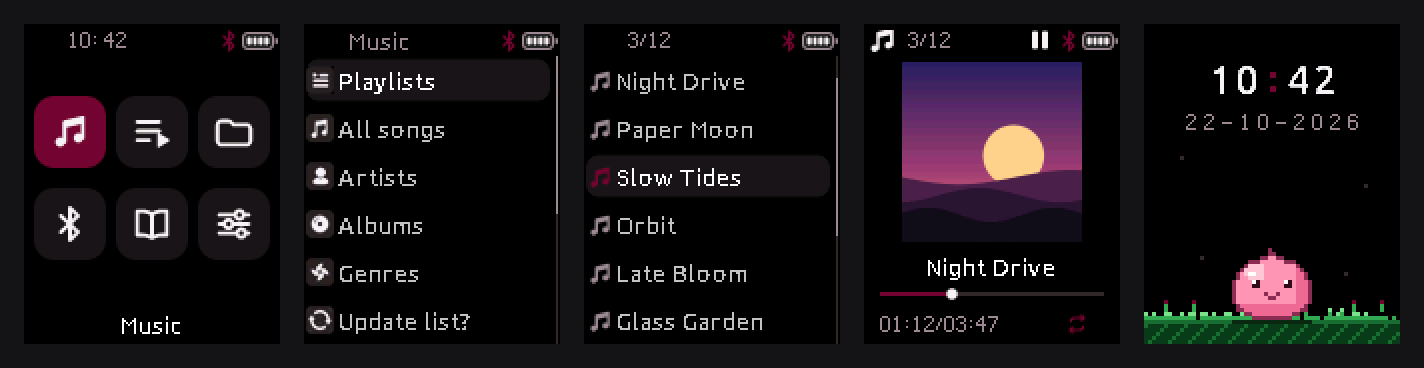
Graphite 1.0 in Berry: main menu, Music menu, a playlist with its counter, the playing screen, the screensaver.
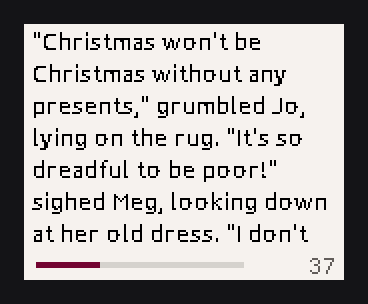
The eBook reader in landscape, on the paper page colour.
Themes
The same design exists in four accent colours. Colours are defined in THEMES of design/x91_design.py; the build
takes the theme it is building from base.T (design/graphite/base.py, set by base.use_theme).
Theme |
bg |
surface |
raised |
line |
text |
text2 |
accent |
on_accent |
|---|---|---|---|---|---|---|---|---|
Amber |
|
|
|
|
|
|
|
|
Mint |
|
|
|
|
|
|
|
|
Ice |
|
|
|
|
|
|
|
|
Berry |
|
|
|
|
|
|
|
|
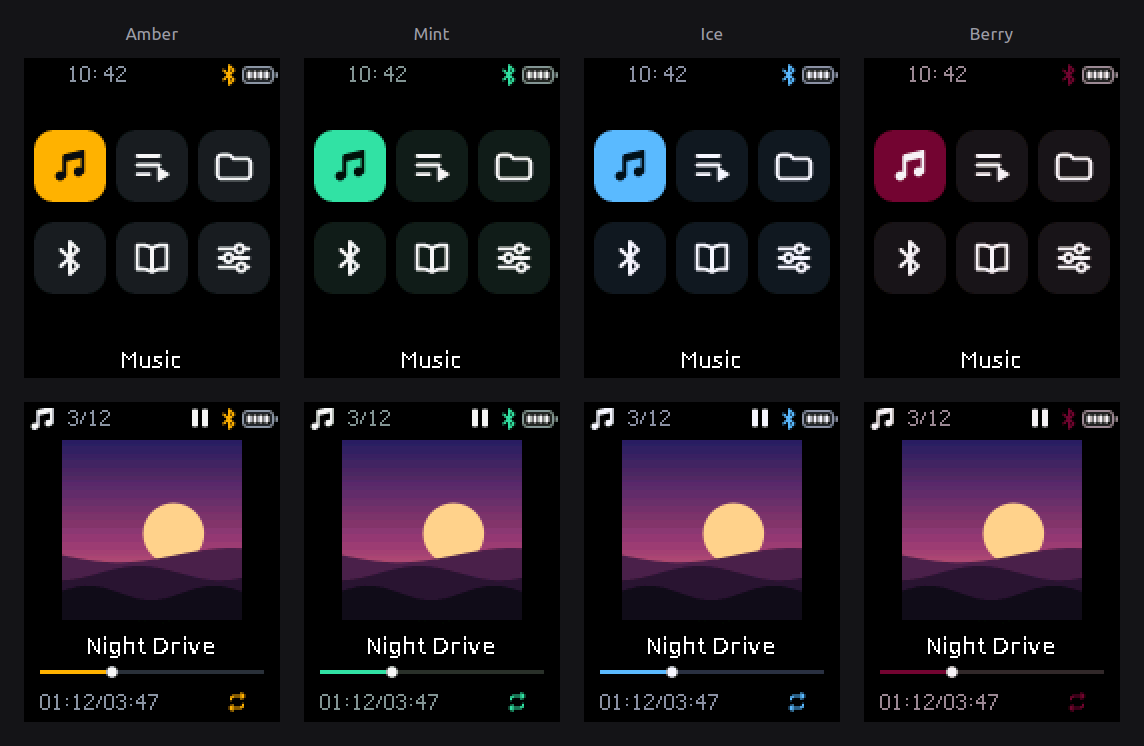
Main menu and playing screen in the four themes.
The build uses these colours with
the background forced to pure black (T = dict(THEMES[theme], bg="#000000"), default theme Amber), so status bar,
lists and backgrounds are black in every theme; pictures are reduced to the panel’s 16-bit colour.
Adding a theme. Add an entry to THEMES and run design/build.py; the flashing tool lists it by itself. Rules:
Any accent works since stage 15 (before, the screensaver clock’s colour key dropped dim ones).
A dark accent needs a light
on_accent, as Berry has.text2must stay brighter than mid grey: the status bar clock draws only pixels above 0x7bcf, andgraphite/statusbar.pystops if a theme’stext2is below that.
Pictures
Screens and icons are written as SVG and rendered with VectorCraft’s command-line tool
vectorcraft-cli; the same files open in VectorCraft for editing.base.render_565(svg, w, h, workdir, name)renders and converts to RGB565;base.set_pictureputs the result in place.Pixel art that must be exact (clock and counter digits, small marks, the font) is generated by code (
base.pixel_glyph,base.dots, the glyph tables ingraphite/typeface.py).The icon set is in
x91_design.icon(name, x, y, size, colour, stroke).Mock-ups for decisions are in
design/mock/; the generator isdesign/x91_design.py, which also draws the texts the way the player draws them (1-bit glyphs in one colour, reduced to 16-bit colour).
Screen renders
design/make_screens.py renders the pictures on this page into design/screens/ from each theme’s latest build in
x91_dump/themes/. It composes every screen the way the firmware draws it: pictures and layout records (list styles,
number and time boxes, picture boxes) come from the image; the positions of what the firmware draws by code (status
bar clock, progress bar, screensaver clock, reader page) come from the build’s parts. Song names, the cover and the
book text are samples. Run it again after a build that changes the look:
python3 -I design/make_screens.py
The files in design/history/ (stageN-preview.png and a few more) are the previews made while each stage was
built; they show the design as it was then.